Personal Intelligence · Open source · MIT
Make your existing information usable.
Personal Intelligence gives your assistant a structured way to find the right source, understand its authority and answer from evidence, while your information and configuration remain yours.
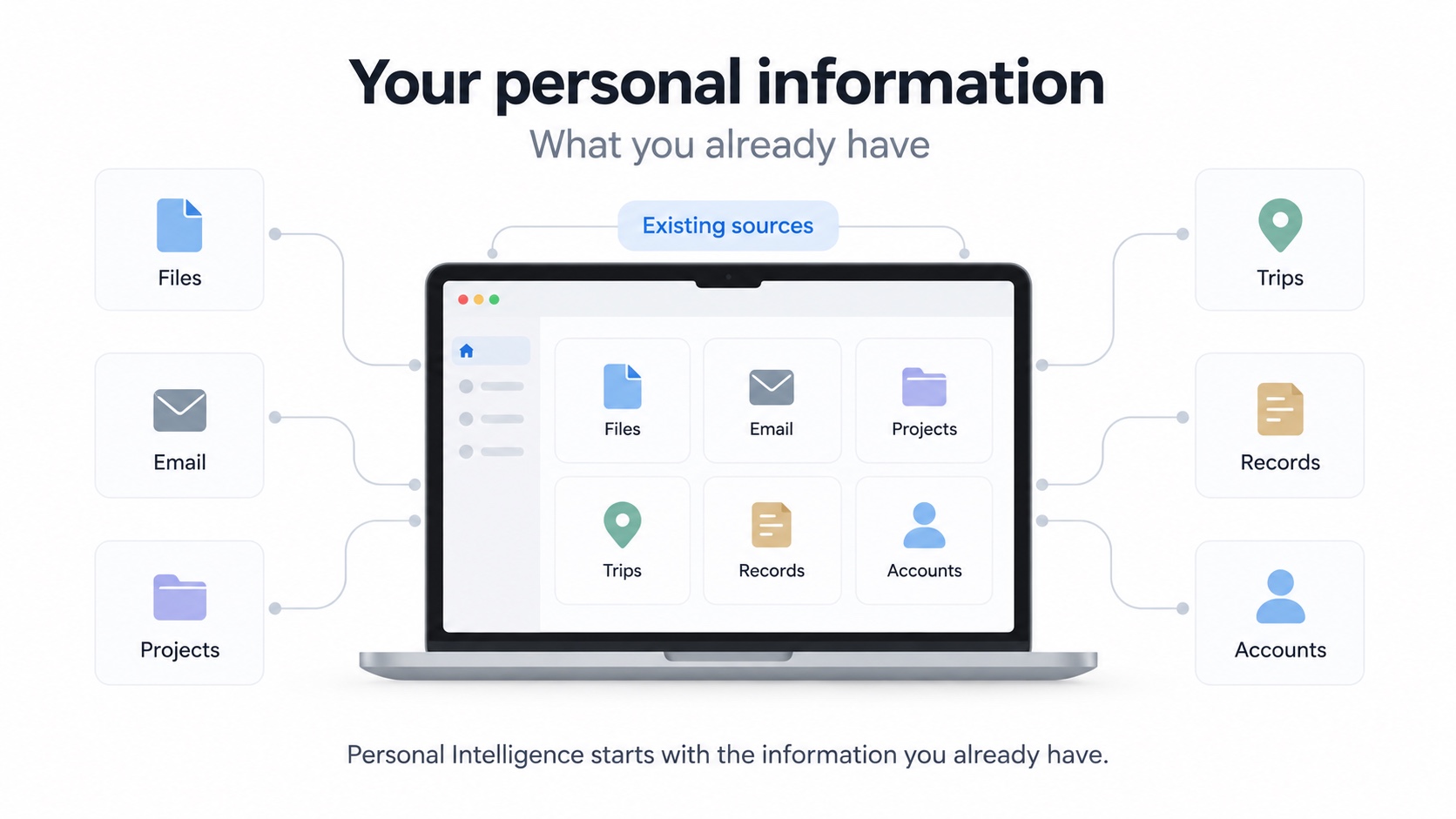
Your information already exists.
Files. Email. Records. Trips. Projects. Accounts. The challenge is knowing where to look, what to trust and what actually answers the question.
What can I ask?
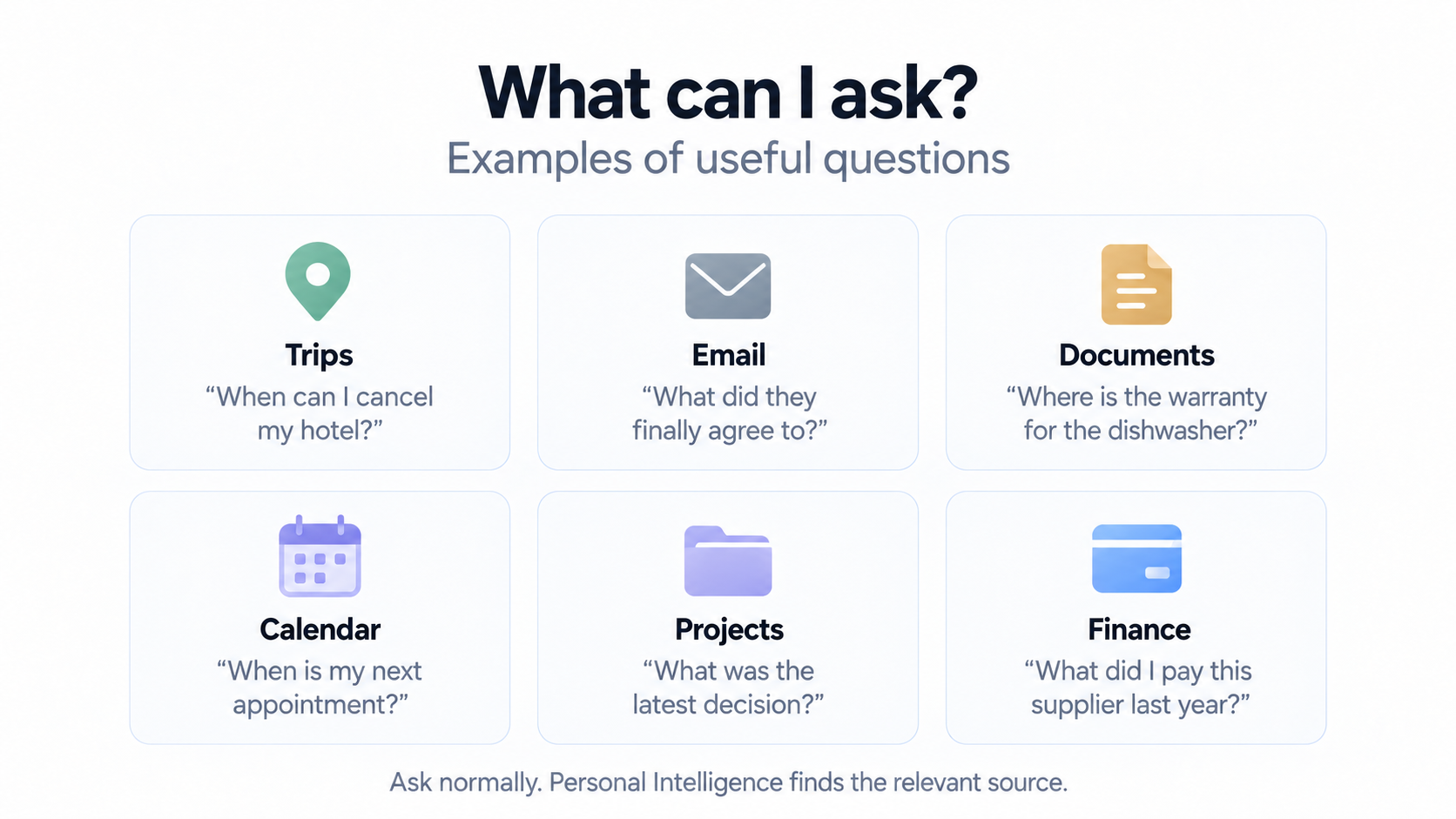
Ask in normal language about your own life. Personal Intelligence helps your assistant find the relevant source before answering.
Trips
“When can I cancel my hotel?”
Email
“What did they finally agree to?”
Documents
“Where is the warranty for the dishwasher?”
Calendar
“When is my next appointment?”
Projects
“What was the latest decision?”
Finance
“What did I pay this supplier last year?”
Financial questions need an explicit account or account group, topic and date scope. Health questions keep each patient separate. When a source or permission is missing, the assistant should say so.
From question to evidence.
Personal Intelligence works through your assistant. It helps find the right source, compare authority, date and scope, and return an answer grounded in evidence.
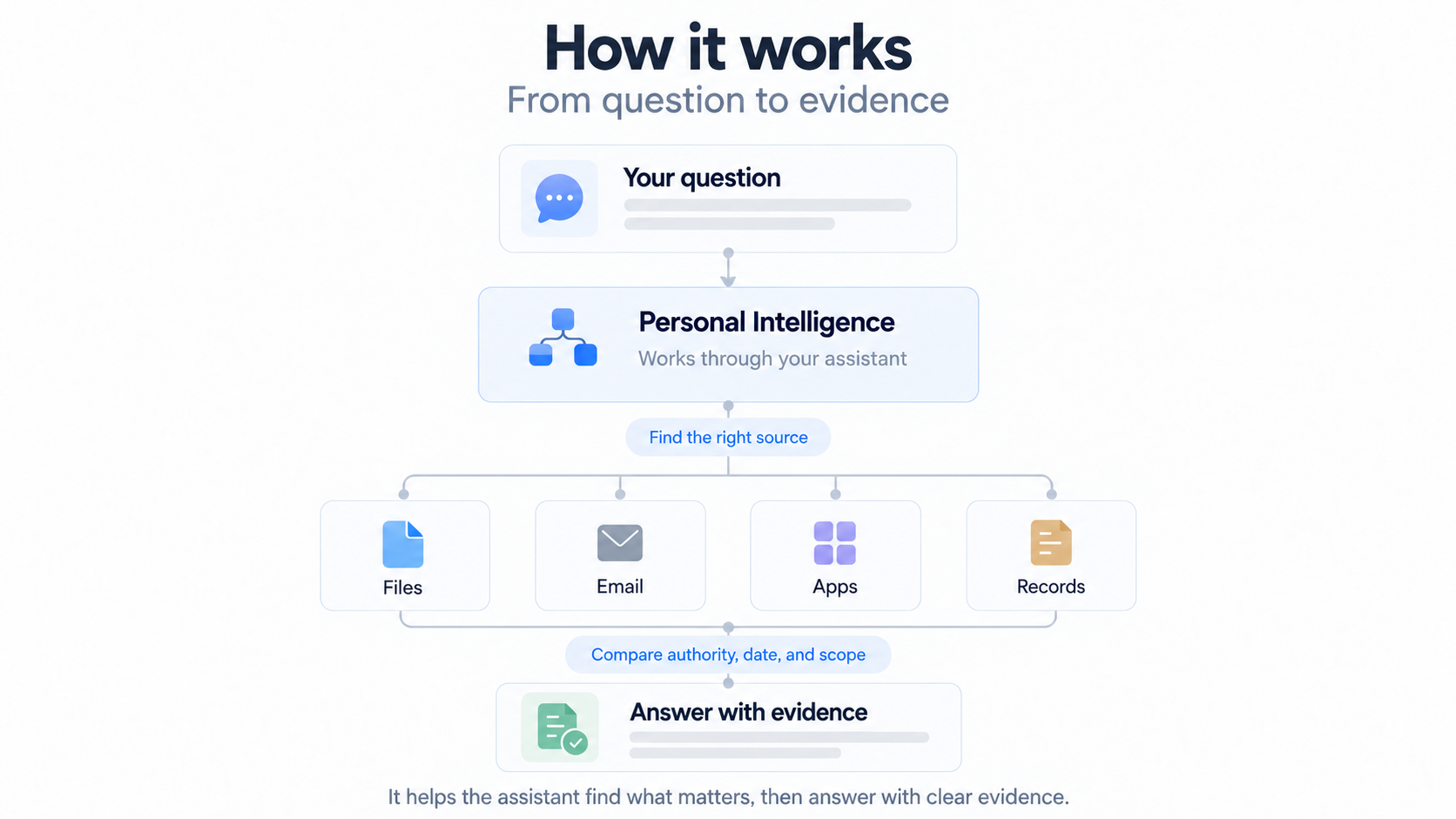
1. Ask a specific question
Name the subject and the decision or fact you need. Sensitive areas keep their own explicit scope.
2. Find the right source
Use the private source map and the assistant’s existing authorized tools. Check dates and authority when records differ.
3. Return an answer you can check
Keep the evidence visible, cite the relevant source and say when access or coverage is incomplete.
Your information stays yours.
Personal Intelligence maps your existing sources and teaches the assistant how to use them. It does not copy everything into a new system.
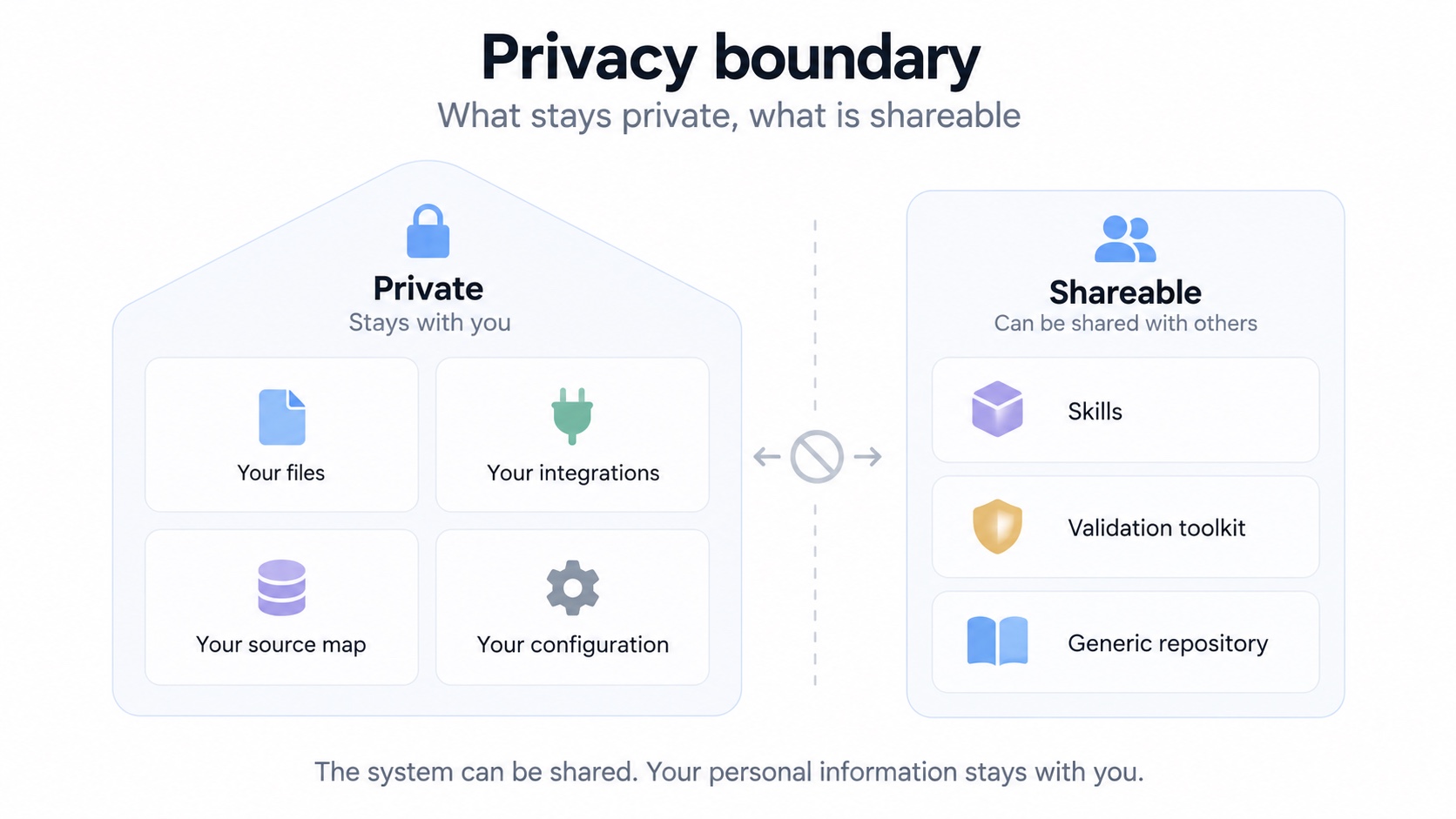
Share the workflow. Keep your source map and personal configuration outside the shared repository.
Your information stays in its existing locations, and your source map and configuration stay outside the shared package. When answering, the assistant may read relevant information through its authorized tools. Processing then depends on your chosen client, model provider and privacy settings.
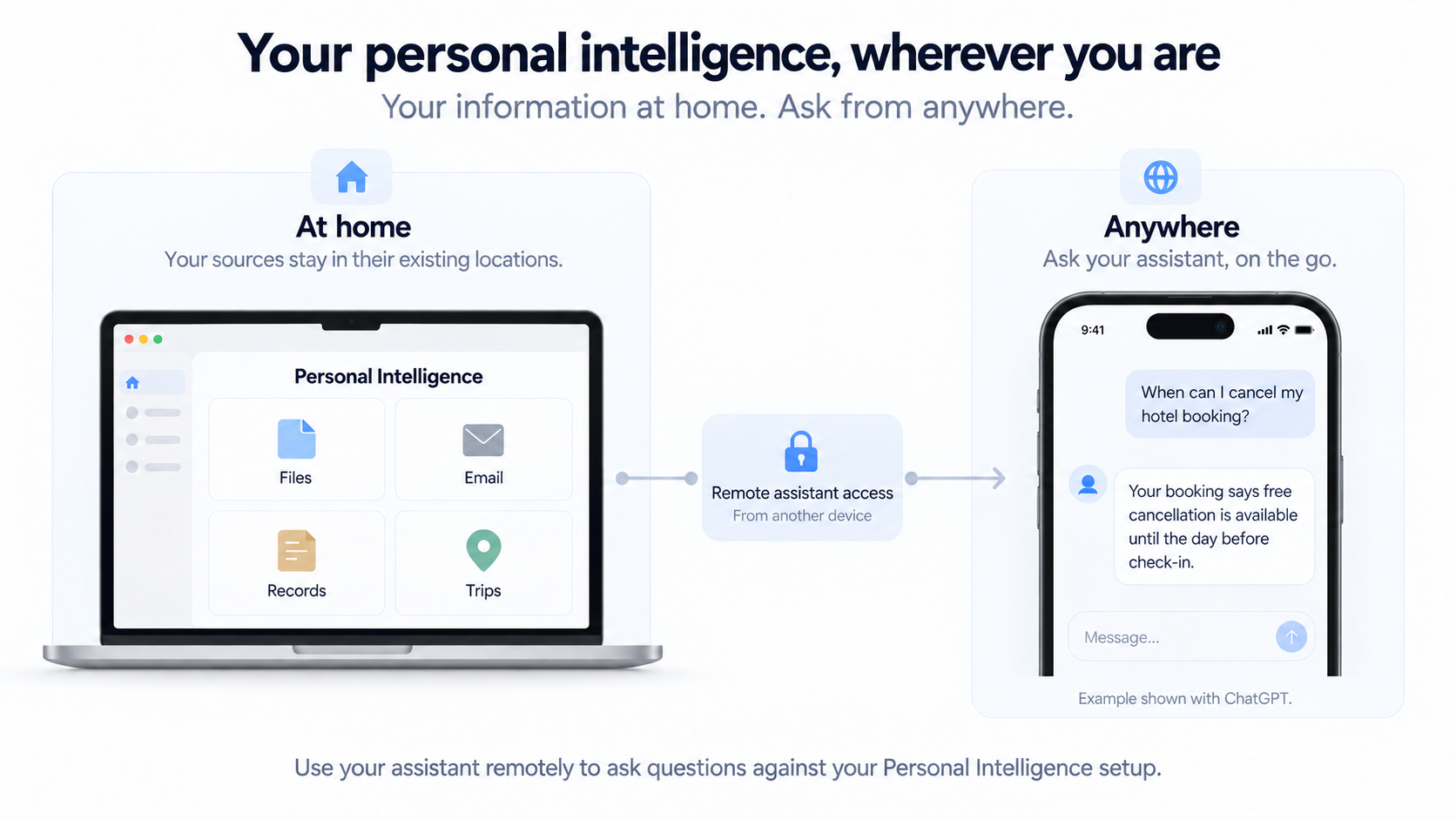
Your personal intelligence, wherever you are.
Personal Intelligence can also be used through a remote assistant workflow.
Remote use has been demonstrated with ChatGPT in the maintainer’s setup. The exact behavior depends on the client, configured integrations and permissions; equivalent remote behavior in other assistants has not been verified by this release.
How to install
Install the two skills, map the sources you choose, then check useful questions against their actual evidence. Your source map and private configuration stay outside the shared repository.
Start with your requirements
The setup skill captures what you need, confirms source authority and scope, and builds a private map to your existing information.
Answer from the relevant evidence
The answering skill finds sources within the question’s scope, compares authority and dates, and responds with citations and clear limitations.
Check the map before relying on it
The offline toolkit validates configuration metadata. Useful acceptance questions then check whether your own setup finds the right real sources.
What you need
An assistant that supports skills and authorized access to the sources you choose. Version 0.1.0 documents Codex installation; installation and automatic selection in other clients remain unverified. Python 3.10 or later is required only for the offline validation toolkit.
Scope and limitations
Version 0.1.0 is two skills and an offline validation toolkit. It bundles no MCP server, transport, accounts, automatic indexing, OCR, background collection or write tools. The helper validates metadata and plans routes; it does not read the documents or call a provider. Configuration checks do not prove live access or answer quality.
A companion project
MoneyWiz MCP Server →
Personal Intelligence supplies the source-selection and evidence workflow. MoneyWiz MCP supplies an optional, separate read-only ledger connection. Each has its own setup; neither installs the other.
Interested in applying this approach to a business workflow? Explore Claes Parflo Advisory.